
Blog
Restaurant POS System in India: What Should You Look For in 2026?
A modern restaurant POS should do more than billing. Learn which features restaurants should consider when choosing POS software in India.
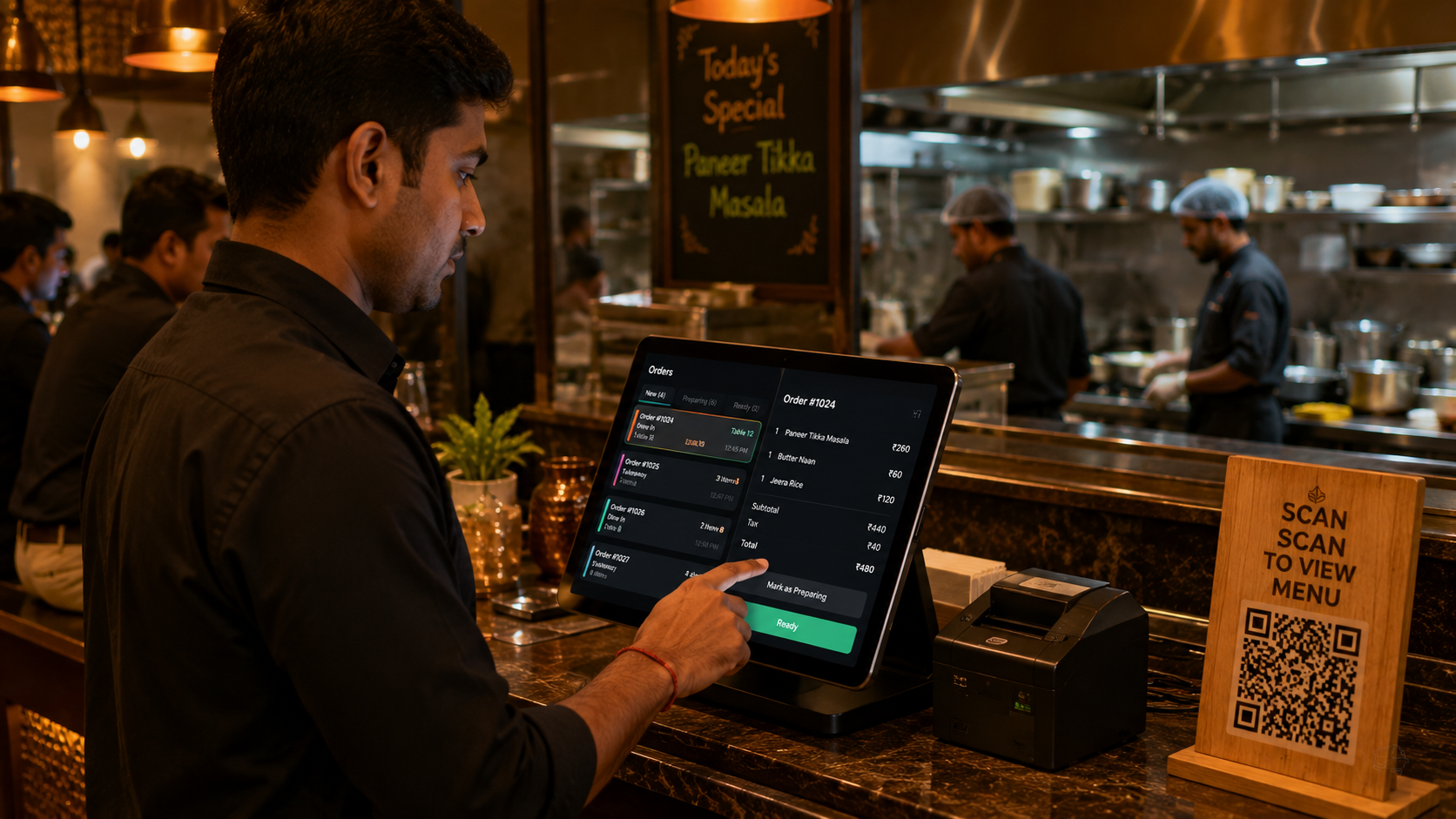
Restaurant POS System in India: What Should You Look For in 2026?
Restaurant technology has changed significantly.
A Point of Sale system is no longer simply a billing machine.
Modern restaurant POS software can connect billing, orders, kitchen operations, inventory, customer engagement and digital menus into one system.
For restaurants evaluating POS software in India, choosing the right platform can have a significant impact on daily operations.
What is a restaurant POS system?
A restaurant POS system is software used to manage restaurant transactions and operations.
Depending on the platform, it can handle:
- Order management
- Billing
- GST invoicing
- Payments
- Kitchen orders
- Table management
- Inventory
- Customer management
- Reports
- Digital menus
- Online ordering
Why do restaurants need a modern POS?
Running a restaurant involves multiple moving parts.
A customer places an order.
The order needs to reach the kitchen.
The kitchen prepares it.
The bill needs to be generated.
Inventory needs to be tracked.
The customer may need an invoice.
Managers need reports.
When these processes are handled through disconnected systems, errors and manual work can increase.
A connected POS can bring these workflows together.
7 features to look for in restaurant POS software
1. Fast billing
Billing should be quick and simple, especially during peak hours.
The POS should make it easy to add items, apply discounts, handle taxes and generate invoices.
2. Kitchen integration
Orders should reach the kitchen quickly.
A POS connected with KOT printing or a Kitchen Display System can reduce manual communication between the front desk and kitchen.
3. Digital menu integration
The restaurant menu should not be completely disconnected from the POS.
When possible, menu data should be managed centrally.
This helps reduce pricing and availability inconsistencies.
4. Table management
For dine-in restaurants, table management is an important part of the workflow.
Staff should be able to see table status, active orders and bills.
5. Inventory
Restaurants need visibility into ingredients and stock.
Inventory management can help track consumption, wastage and reorder requirements.
6. Reports and analytics
Restaurant owners need to understand performance.
Useful reports can include:
- Sales
- Best-selling dishes
- Discounts
- Taxes
- Orders
- Outlet performance
- Product performance
7. Guest ordering
Modern restaurant software can allow customers to order directly from their phones.
For example:
QR scan → Digital menu → Cart → Order → Kitchen
This can create a more connected restaurant experience.
Cloud POS vs traditional POS
Traditional restaurant systems often depend heavily on local hardware.
Cloud-based POS platforms can provide access through the internet and make it easier to centralize data.
For growing restaurant businesses, this can become especially useful when managing multiple outlets.
How Peppar approaches restaurant POS
Peppar combines restaurant operations and guest experience in one platform.
It brings together digital menus, ordering, billing, kitchen workflows and other restaurant operations instead of treating each as a separate system.
This means the restaurant can manage its menu and operational workflow from a connected platform.
Final checklist
Before selecting restaurant POS software, ask:
- Does it support GST billing?
- Does it support KOT?
- Does it integrate with the kitchen?
- Does it support QR menus?
- Can customers order digitally?
- Does it support table management?
- Can I manage inventory?
- Does it provide reports?
- Can it scale to multiple outlets?
- Does it work with existing hardware?
The best POS system is not necessarily the one with the longest feature list.
It is the one that fits your restaurant's workflow and reduces operational complexity.
Explore Peppar for a connected restaurant POS and guest experience.
Put this into practice with Peppar
Limited-time ₹0 deal for listing and a digital menu. Upgrade later for POS and guest ordering.
contact@peppar.in · +91 733-7876270