
Blog
QR Menu for Restaurants: How It Works and Why Restaurants Need One
Discover how QR menus work, where restaurants can use them and how a modern QR menu can go beyond simply displaying a food menu.
QR Menu for Restaurants: How It Works and Why Restaurants Need One
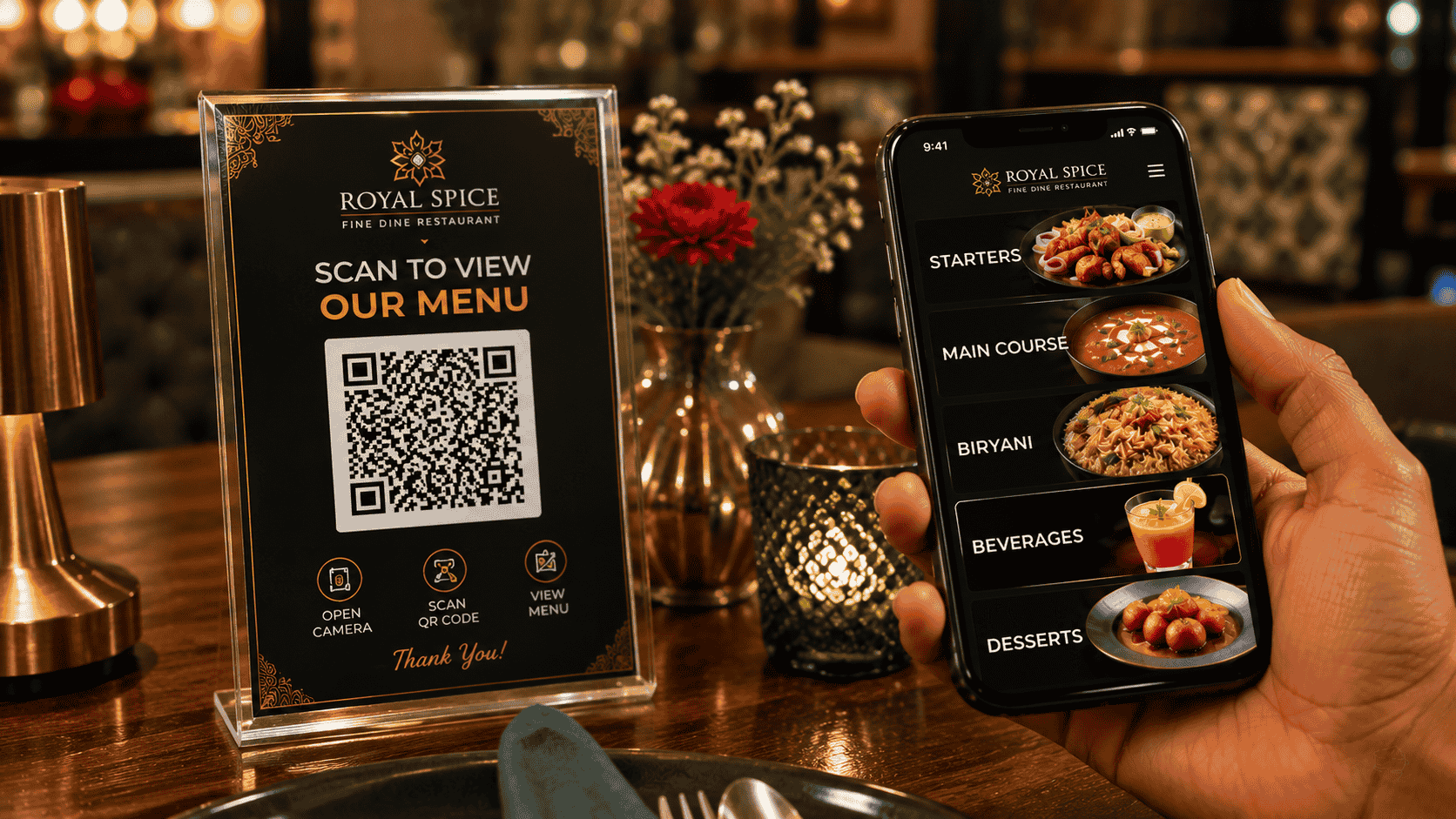
Imagine a customer sitting at a restaurant table.
Instead of waiting for a waiter to bring a menu, they simply scan a QR code and the restaurant menu opens instantly on their phone.
This simple experience is becoming an important part of modern restaurant operations.
What is a QR menu?
A QR menu is a digital restaurant menu connected to a QR code.
When customers scan the QR code using their smartphone camera, they are taken to the restaurant's online menu.
They can browse categories, view dishes, check prices and, depending on the restaurant setup, place an order directly.
How does a restaurant QR menu work?
The process is simple:
- The restaurant creates a digital menu.
- A unique QR code is generated.
- The restaurant places the QR code on tables or other customer touchpoints.
- The customer scans the QR code.
- The digital menu opens in the phone browser.
- The customer browses and places an order if ordering is enabled.
There is no need for customers to download a separate application.
Where can restaurants place QR codes?
Restaurants can use QR codes in many places.
Restaurant tables
Table QR codes can provide customers with immediate access to the menu.
Takeaway packaging
Customers can scan the QR code after receiving their order and discover the restaurant's other dishes.
Counter
A QR code can help customers browse the menu before reaching the billing counter.
Bills
Restaurants can print their menu link or QR code on invoices.
Posters
QR codes can also be used in restaurant windows, promotional posters and marketing material.
Social media
A restaurant can share its digital menu link through social media profiles.
QR menu vs printed menu
Printed menus still have their place, but digital menus provide several advantages.
A restaurant can change:
- Prices
- Food availability
- Categories
- Photos
- Descriptions
- Offers
- Seasonal items
without printing a new menu.
A QR menu should not just be a PDF
One common mistake is using a QR code that opens a large PDF.
Although technically digital, this can create a poor mobile experience.
A modern QR menu should be:
- Mobile-first
- Fast
- Easy to navigate
- Searchable
- Visual
- Easy to update
- Connected to ordering
QR ordering can reduce operational friction
When ordering is integrated with the menu, customers can browse and place their orders directly.
The order can then move into the restaurant's operational workflow.
This can reduce manual order-taking and help restaurants manage orders more efficiently.
Peppar QR Menu
Peppar provides restaurants with a digital QR menu experience designed for mobile browsing and ordering.
Customers can scan a QR code, browse the restaurant's menu and proceed through the ordering experience without installing an app.
The menu can also be connected with restaurant operations so that the digital guest experience and backend workflow work together.
Final thoughts
A QR code itself is not the product.
The real value comes from what happens after the customer scans it.
A fast, attractive and interactive digital menu can turn a simple QR code into a powerful restaurant ordering and discovery channel.
Give your restaurant menu a digital upgrade with Peppar.
Put this into practice with Peppar
Limited-time ₹0 deal for listing and a digital menu. Upgrade later for POS and guest ordering.
contact@peppar.in · +91 733-7876270